If you run a WooCommerce store in India, generating GST invoices is not just a formality — it’s a legal requirement.
However, many store owners unknowingly make GST invoicing mistakes that can create problems during audits.
In this article, we’ll cover:
- The most common GST invoice mistakes in WooCommerce
- Why they happen
- How to fix them properly
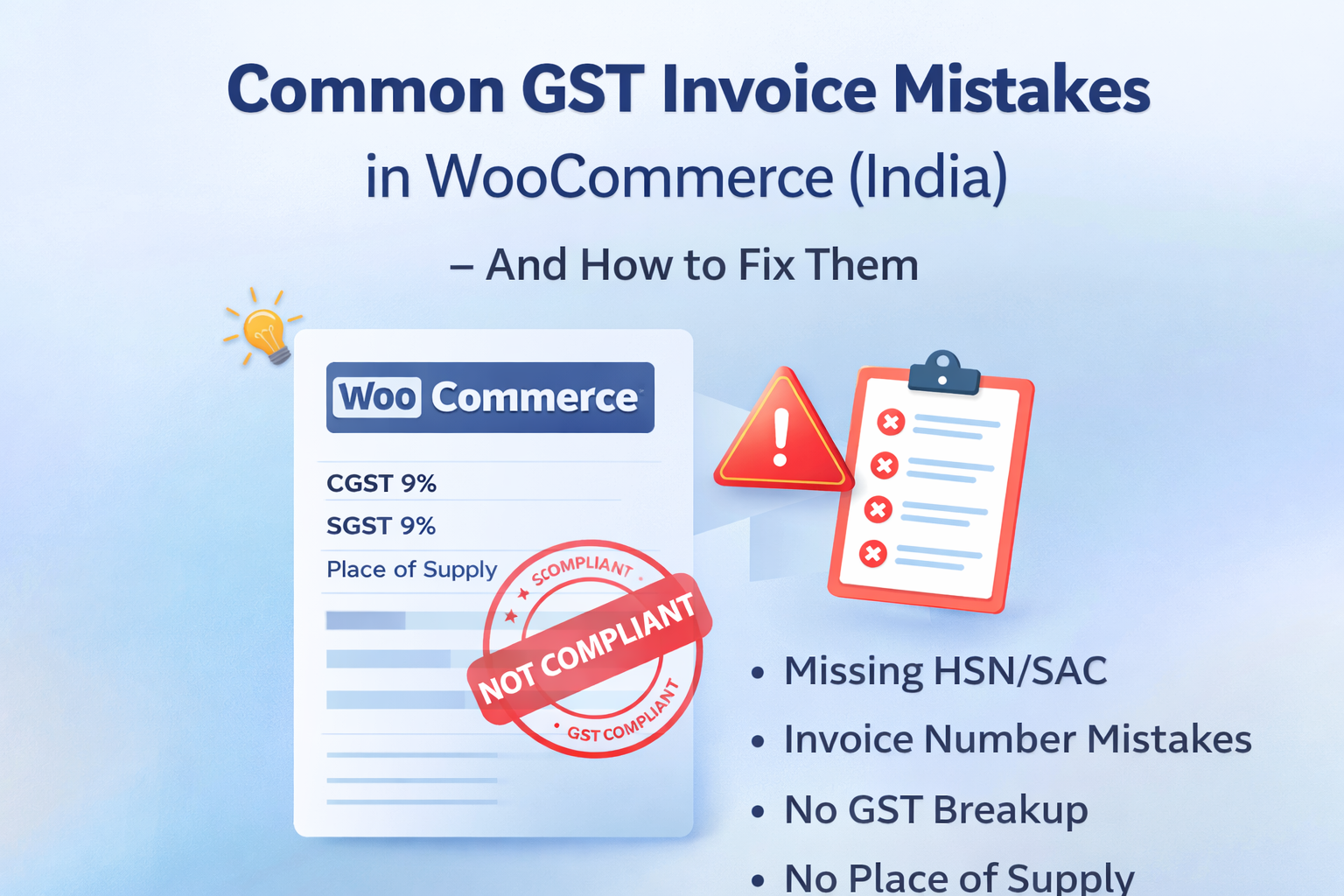
Mistake #1: Using Order Number as Invoice Number
Many stores simply use the WooCommerce order number as the invoice number.
This is NOT GST compliant.
Under GST rules:
- Invoice numbers must be unique
- Must follow a sequential pattern
- Should ideally follow financial-year format
Why this is a problem
Order numbers:
- May not reset yearly
- May not follow a financial sequence
- Can skip or conflict
How to fix it
Use a system that generates:
- Sequential invoice numbers
- Financial-year based format (e.g., 2024-25-0001)
Mistake #2: No Proper CGST / SGST / IGST Breakup
Some stores configure a single 18% GST rate instead of splitting:
- 9% CGST
- 9% SGST
For same-state transactions, GST must be split properly.
If your invoice only shows “GST 18%” without breakup, it may not be compliant.
How to fix it
- Configure separate tax rates in WooCommerce
- Ensure invoice format clearly displays each component
Mistake #3: Not Calculating Tax Based on Shipping Address
WooCommerce allows tax calculation based on:
- Billing address
- Shipping address
For GST compliance in India, tax should generally be calculated based on shipping address.
If calculated based on billing address, inter-state logic may fail.
Example
Store: Gujarat
Billing: Gujarat
Shipping: Maharashtra
If tax is based on billing address → CGST/SGST
Correct logic → IGST
This mistake is more common than you think.
Mistake #4: Missing Place of Supply on Invoice
GST invoices must clearly mention:
Place of Supply
Especially for inter-state sales.
Many WooCommerce invoice formats do not display this field at all.
During audits, this becomes an issue.
Mistake #5: No HSN / SAC Code
GST requires HSN (for goods) or SAC (for services) codes on invoices.
Many WooCommerce stores ignore this.
Even if tax is calculated correctly, missing HSN/SAC can create compliance gaps.
Mistake #6: Manually Creating Invoices in Excel
Some store owners:
- Export orders
- Create invoices in Excel
- Send them manually
This creates:
- Data mismatch risk
- Human errors
- Missing tax breakup
- Time waste
Automation is safer and more consistent.
Mistake #7: No Way to Generate Invoices for Old Orders
One of the biggest real-world problems:
Store owners install an invoice plugin late and realise:
Old orders don’t have GST invoices.
Without a repair tool, generating compliant invoices for past orders becomes very difficult.
This becomes stressful during GST filing or audits.
How to Avoid These Mistakes
To stay compliant, your WooCommerce store should:
- Generate sequential invoice numbers
- Follow financial-year numbering
- Show proper CGST/SGST/IGST breakup
- Display Place of Supply
- Include HSN/SAC codes
- Allow invoice generation for old orders
- Produce clean PDF invoices
A Practical Solution for Indian WooCommerce Stores
Smart GST Invoice for WooCommerce was built specifically to address these common issues.
It provides:
- Automatic financial-year invoice numbering
- Correct GST breakup display
- HSN/SAC support
- Place of Supply display
- PDF generation
- Invoice repair tool for old orders
- Full HPOS compatibility
If you want a lightweight, India-focused solution:
Quick Self-Check for Your Store
Ask yourself:
- Do my invoices follow financial-year numbering?
- Is GST breakup clearly displayed?
- Can I regenerate invoices for old orders?
- Is Place of Supply shown?
- Are HSN/SAC codes present?
If any answer is “No”, your store may not be fully GST compliant.
Final Thoughts
GST compliance is not about adding a tax rate — it’s about proper documentation.
WooCommerce handles sales effectively, but Indian GST requirements need structured invoice support.
Review your invoice system today and ensure it meets compliance standards before audit season.